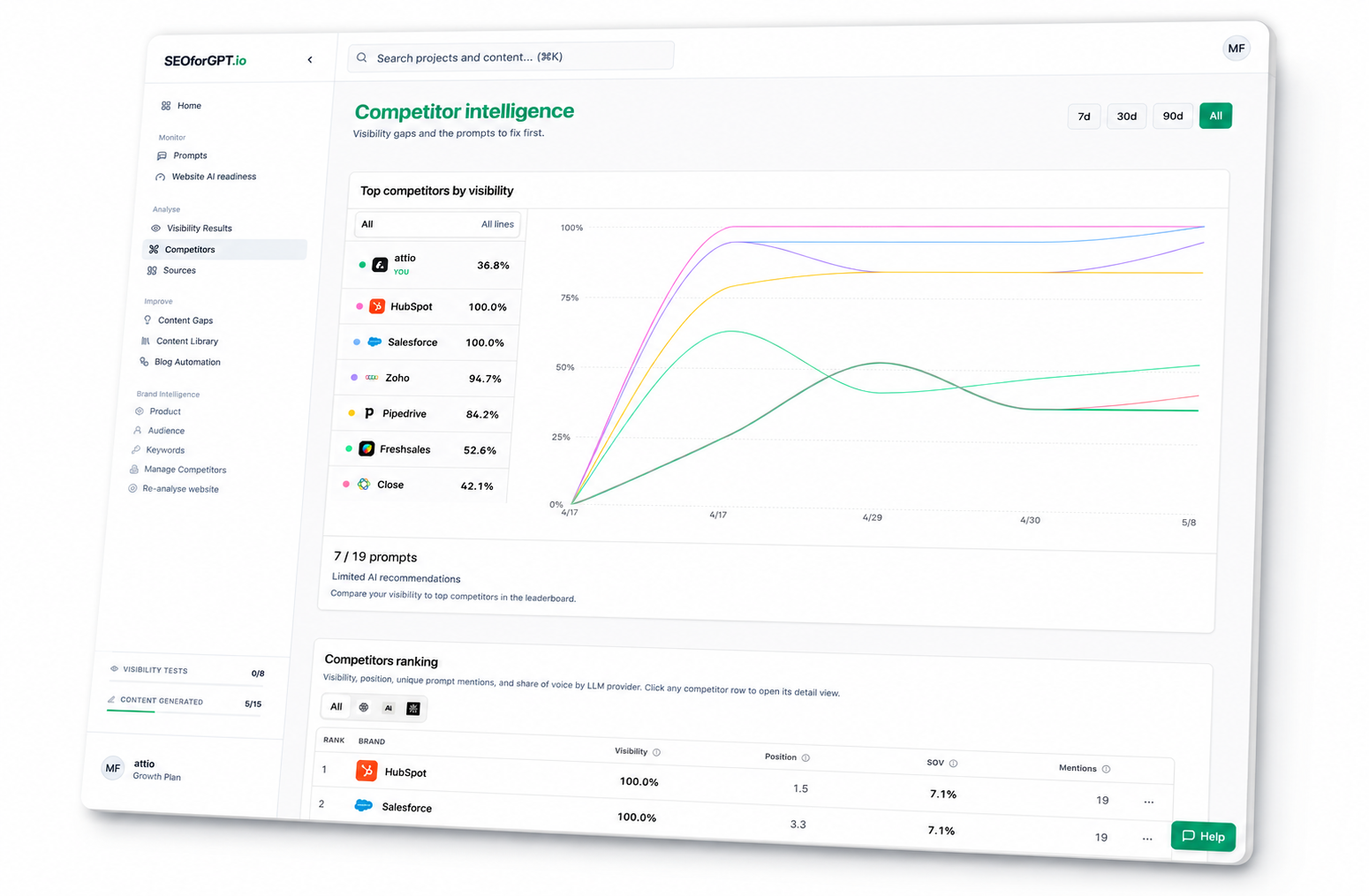



Ask Claude for the client brief
Pull visibility movement, competitor wins, cited URLs, and next actions into a concise account update.
View workflowConnect SEOforGPT.io to Claude, Cursor, n8n, and any tool in your stack through MCP and API. Build custom workflows with your AI visibility data.
Bring the data into your stack
Connect SEOforGPT.io data with the tools you already use.
Claude ChatGPT
 Cursor
 VS Code
 Windsurf
 n8n
n8n Notion
 Sheets
 Slack
Slack Zapier
MCP gives your agents the same project context your team sees in SEOforGPT.io, so they can summarize, compare, brief, and route work from current visibility data.
Pull visibility movement, competitor wins, cited URLs, and next actions into a concise account update.
View workflow

Ask your agent where competitors are winning, why they show up, and what pages to build or improve.
View workflow
Use visibility findings to decide what to publish next and brief the page in the same chat.
View workflow
Run readiness checks and turn the result into a practical technical backlog for a client site.
View workflow

Route visibility changes into Slack, Sheets, Notion, or internal systems so your team reacts faster.
View workflowAdd SEOforGPT.io to your AI tool, sign in, then ask questions about your client data.
Paste the hosted MCP URL into Claude’s Remote MCP server URL field.
Remote MCP server URL
https://www.seoforgpt.io/mcpChoose your SEOforGPT.io account and give your agent access to your projects.
Create an accountAsk for a client brief, competitor gaps, cited pages, or what to publish next.
Explore use casesQuick answers to the most common questions about the SEOforGPT MCP server.