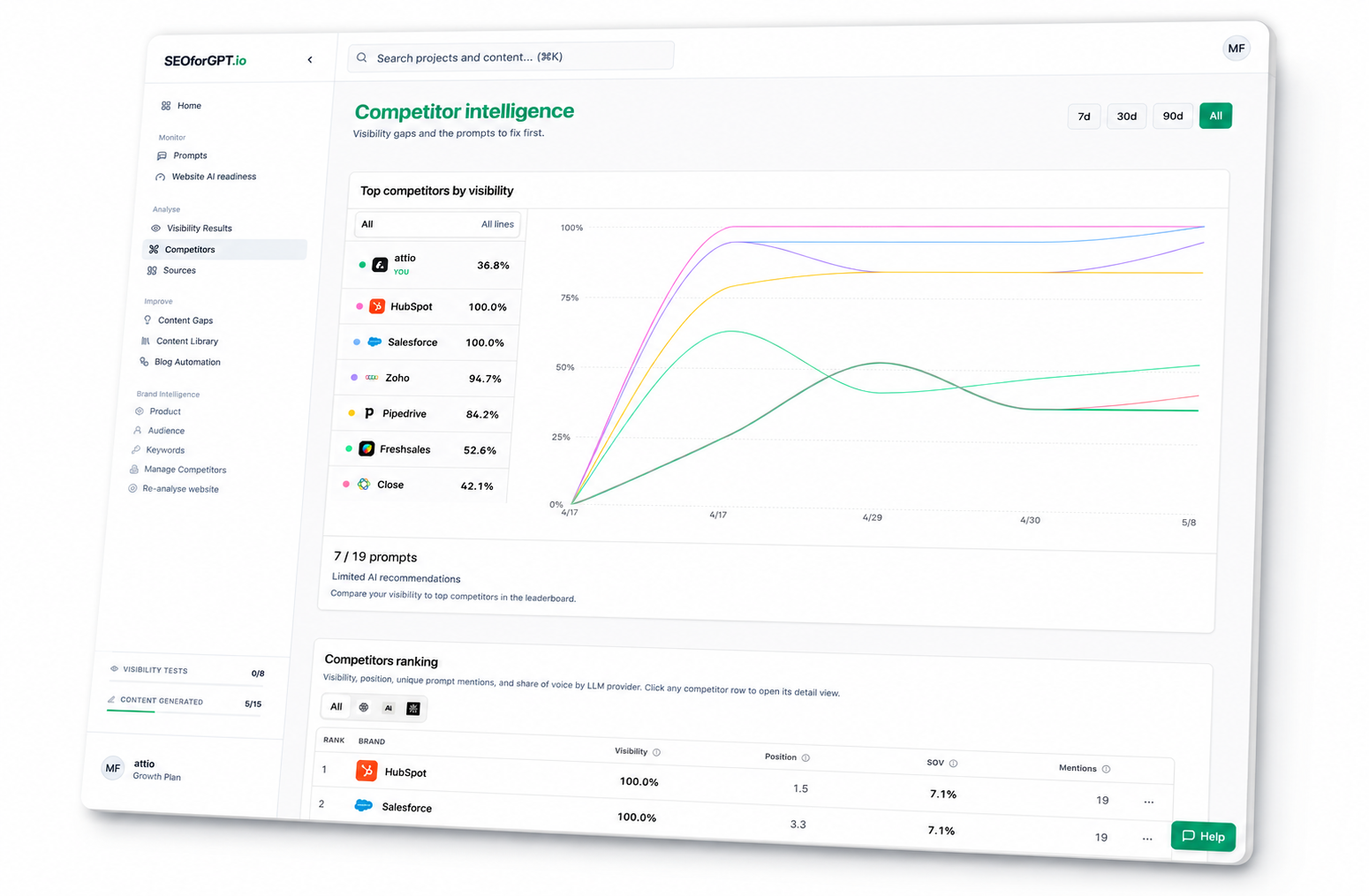



Ask Claude for the client brief
Pull visibility movement, competitor signals, cited URLs, and next actions into a concise account update.
View workflow: Ask Claude for the client briefConnect SEOforGPT.io to the AI assistant you already use. Measure visibility, monitor competitors, identify the sources AI systems cite, create structured content, publish approved blog articles, and generate reports.
Analyze visibility. Find gaps. Create content. Publish or share.
Bring the data into your stack
Connect SEOforGPT.io data with the tools you already use.
Claude ChatGPT
 Cursor
 VS Code
 Windsurf
 n8n
n8n Notion
 Sheets
 Slack
Slack Zapier
MCP gives your agents current project context so they can analyze, create structured content, publish, report, and route work from measured visibility data.
Pull visibility movement, competitor signals, cited URLs, and next actions into a concise account update.
View workflow: Ask Claude for the client brief

Ask your agent where competitors are winning, why they show up, and what pages to build or improve.
View workflow: Find competitor gaps
Turn measured visibility gaps into structured content, then publish generated blog articles to your connected CMS.
View workflow: Create structured content from visibility
Run readiness checks and turn the result into a practical technical backlog for a client site.
View workflow: Prioritize AI readiness fixes

Use an external scheduler to retrieve meaningful visibility changes and route evidence-backed actions into the tools your team already uses.
View workflow: Automate visibility monitoringAdd SEOforGPT.io to your AI tool, sign in, then ask questions about your client data.
Go to Customize → Connectors, then select + → Add custom connector.
Remote MCP server URL
https://www.seoforgpt.io/mcpName it SEOforGPT.io, paste the server URL from step 1, and leave Advanced settings empty.
Select Add, then Connect. Sign in to SEOforGPT.io and approve project access.
Create an accountAsk Claude to list your SEOforGPT.io projects, then choose one to work with.
Explore use casesThe same MCP catalog supports two operating models. Available actions follow the selected workspace, plan, entitlement, and quota.
Monitor your brand, understand competitor and citation gaps, create structured content, publish it, check readiness, and measure progress.
Explore brand workflowsAudit opportunities, manage client workspaces, prepare reports, and produce and publish content for active clients.
Explore agency workflowsSEOforGPT is an AI visibility and SEO MCP server that gives supported AI agents secure access to your projects, results, competitor intelligence, content workflows, and reporting tools.
01
Run visibility tests, retrieve reports, inspect provider answers, and track changes over time.
02
Find competitor, answer, citation, source-domain, technical-readiness, and content gaps.
03
Save content opportunities and generate structured content.
04
Publish generated blog articles to your CMS, create shareable reports, and produce client briefs.
Move from manual handoffs to one connected agent workflow.
| Without SEOforGPT MCPExports, copied context, and manual handoffs. | With SEOforGPT MCPVisibility data and actions in one agent workflow. |
|---|---|
| Workflow: Visibility analysis. Open dashboards and summarize results by hand. | Workflow: Visibility analysis. Ask the agent for current visibility changes. |
| Workflow: Competitor research. Compare competitors, answers, and citations manually. | Workflow: Competitor research. Find competitor, citation, and answer gaps. |
| Workflow: Content opportunities. Brainstorm topics in a separate tool. | Workflow: Content opportunities. Save content opportunities from measured gaps. |
| Workflow: Content creation. Move briefs and brand context into a writing tool. | Workflow: Content creation. Generate structured content using project context. |
| Workflow: Publishing. Copy content and metadata into the CMS. | Workflow: Publishing. Publish approved blog articles to your CMS. |
| Workflow: Reporting. Build stakeholder reports manually. | Workflow: Reporting. Generate client briefs and shareable reports. |
| Workflow: Portfolio management. Check every project or client separately. | Workflow: Portfolio management. Prioritize projects from one agent workflow. |
The product outcomes come first. These details explain the protocol, authentication, and controls behind them.
Model Context Protocol gives a supported AI client a structured way to discover and call authorized tools.
It connects visibility evidence to SEO and GEO actions such as competitor analysis, content creation, readiness, publishing, and reporting.
The hosted Claude setup uses OAuth. Actions follow the signed-in account, selected workspace, plan, entitlement, and quota.
The MCP is a secure agent interface to SEOforGPT. The web platform remains the place to manage projects, settings, billing, and connected publishing destinations.
Quick answers to the most common questions about the SEOforGPT MCP server.
Last reviewed: August 3, 2026
Reviewed against the documented SEOforGPT MCP tools and current workspace permissions.
We use cookies to enhance your experience, analyse site traffic and measure advertising. Read our Cookie Policy